Account settings
Account in the dashboard holds settings that belong to you rather than to a workspace or a project.
Help
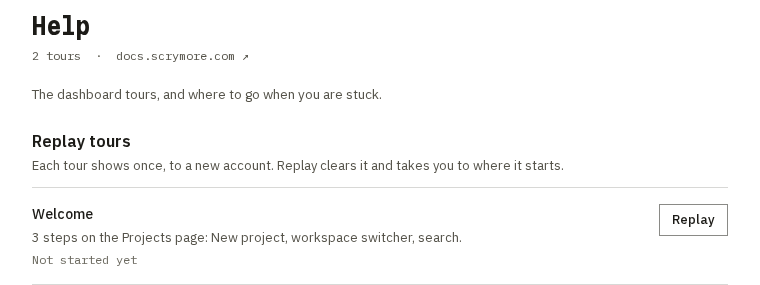
Account ▸ Help (/account/help) is where you replay the dashboard tours.
- Replay tours lists each tour, Welcome and Your first project, with whether you finished or skipped it. Choose Replay to clear it and start it again where it begins: the Projects page for Welcome, your most recent project for Your first project.
- If you have no project yet, Replay for Your first project is disabled until you create one.
Tours are described in Quick Start. They show once, only on screens 900 pixels wide or more.